
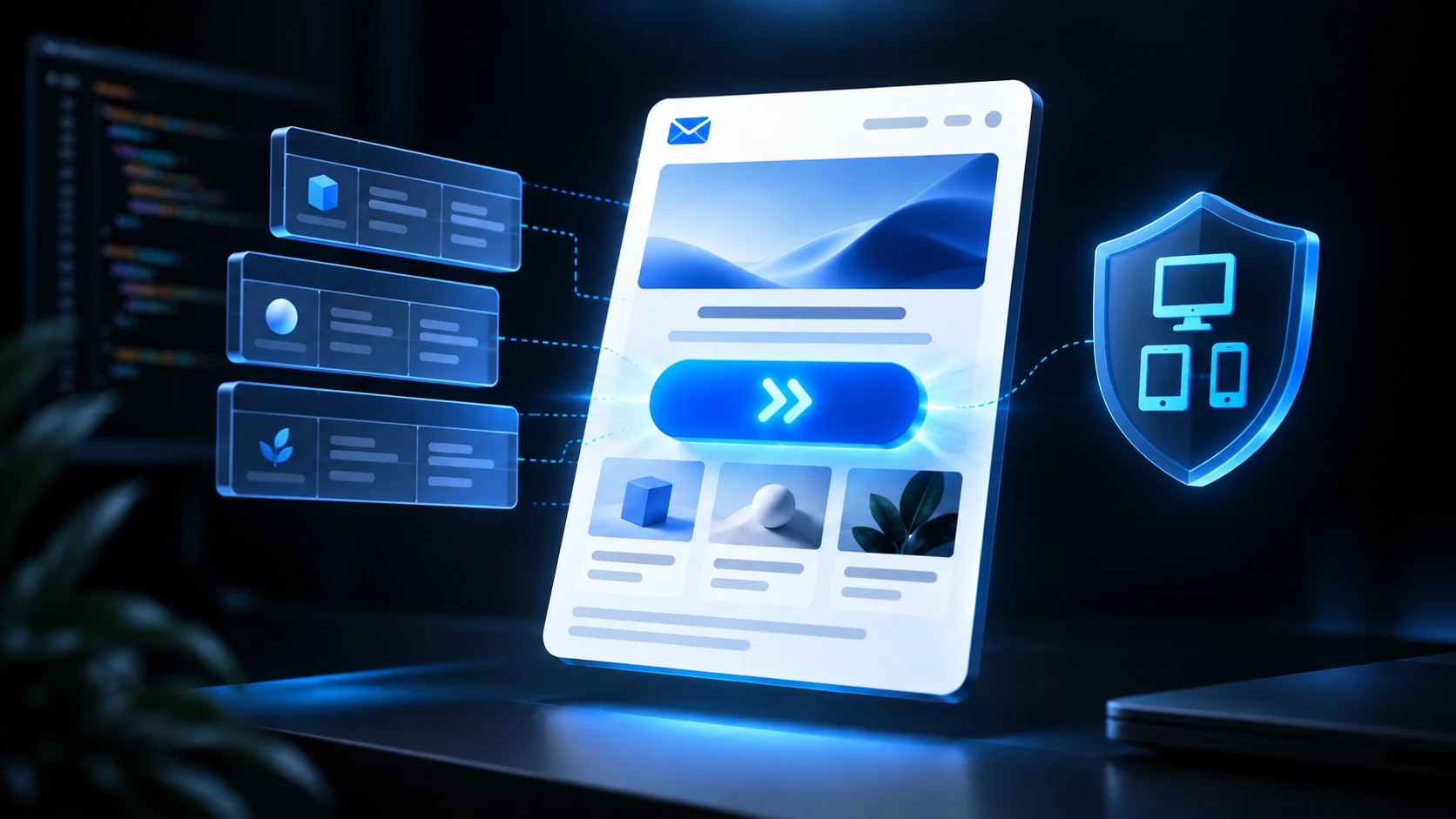
A bulletproof Tailwind email button starts as a real link and compiles into a table-backed structure with explicit padding, background color, text color, and alignment.
The table cell provides a dependable button surface for Outlook. The anchor provides the destination and clickable semantics.
Tailwind button source
<a
  href="https://example.com/verify"
  class="inline-block rounded-lg bg-blue-600 px-6 py-3 text-center text-base font-semibold text-white no-underline"
>
  Verify email address
</a>
This is good source markup, but a normal CSS inliner may not be enough for classic Outlook. An email compiler should recognize a filled CTA and create a presentation table.
Table-backed output
<table role="presentation" border="0" cellpadding="0" cellspacing="0">
  <tr>
    <td align="center" bgcolor="#155dfc"
        style="border-radius:8px;padding:12px 24px">
      <a href="https://example.com/verify"
         style="display:inline-block;color:#ffffff;font-size:16px;font-weight:600;text-decoration:none">
        Verify email address
      </a>
    </td>
  </tr>
</table>
If rounded corners disappear, the action remains a clear filled rectangle.
Why not use a button element?
<button> is for interactive web forms and JavaScript behavior. Email actions navigate to a URL, so use <a href="...">.
The label should describe the destination: “View invoice,” “Reset password,” or “Confirm booking.”
Size and spacing
A comfortable CTA usually needs:
- 12–16px vertical padding;
- 20–28px horizontal padding;
- readable 14–16px text;
- enough whitespace around the component; and
- a short label that does not wrap in common languages.
Do not set a fixed height that clips translated text. Use padding to create the visual size.
Mobile behavior
A full-width mobile button can be useful:
<a class="block rounded-lg bg-blue-600 px-6 py-3 text-center font-semibold text-white sm:inline-block">
  View report
</a>
The compiler should preserve the desktop enhancement while producing Outlook-safe structure. Test long labels and right-to-left locales.
Add a fallback URL
Security and account emails benefit from a visible URL:
<p class="mt-6 text-sm leading-6 text-slate-500">
  If the button does not work, copy this link:<br>
  <a href="{{ action_url }}" class="text-blue-700 underline">{{ action_url }}</a>
</p>
This also reassures readers about the destination domain.
VML buttons
VML can create exact rounded shapes in classic Outlook, but it adds conditional markup and duplicate values.
Use VML when brand or campaign requirements justify exact appearance. For most application email, a table-backed button is simpler and more maintainable.
Button variants
Keep the design system small:
- primary filled;
- secondary outline or neutral;
- text link; and
- danger action used sparingly.
Do not create a new color for every template. Shared variants make accessibility, Outlook fixes, and dark-mode testing reusable.
Accessibility
- Use a descriptive label.
- Maintain strong contrast.
- Keep the destination on the link itself.
- Do not communicate status only by color.
- Avoid multiple identical “Learn more” links.
- Keep enough space between adjacent actions.
Dark mode
Explicitly set both cell background and anchor color. Test whether clients invert one but not the other.
If the button uses a transparent outline, make sure the border and text remain visible on both light and dark surfaces.
Common failures
Padding disappears in Outlook
Move the padding to a table cell or use a proven button compiler.
Only the text is clickable
This can happen with table-backed patterns. Ensure the anchor has appropriate display and padding where supported, while preserving the cell fallback.
Label turns blue or underlined
Set explicit color and text-decoration:none inline.
Rounded corners disappear
Accept square fallback or use VML when exact shape is required.
Button wraps
Shorten the label, allow sufficient width, and test localization. Do not force a tiny font.
Test checklist
- Gmail web and mobile;
- Outlook desktop and web;
- Apple Mail and iPhone;
- light and dark mode;
- images blocked;
- long translated label;
- keyboard and screen-reader announcement;
- correct destination and tracking; and
- visible fallback URL where needed.
Frequently asked questions
Are Tailwind email buttons compatible with Outlook?
They can be after compilation to explicit inline styles and a table-backed or VML pattern.
Can I use rounded-lg?
Yes as progressive enhancement. Some Outlook versions may display square corners.
Should a button be an image?
No. Use live text and a real link so the action remains accessible and works when images are blocked.
How many CTA buttons should an email have?
Usually one primary action. Secondary links are fine when the hierarchy stays obvious.
Build the action to survive its styling
A bulletproof CTA is still recognizable and usable when radius, shadow, font, or background behavior changes.
Use Tailwind for concise source, compile to a defensive table-backed link, and test the exact output in Outlook and mobile clients.
Share with friends